
Changing or cancelling a booking
What you can change yourself, when to ask us, and when a cancellation fee applies.
Updated 29 Oct 2026
Change a booking
Open the order and choose Edit from the actions menu. Make your changes, choose Preview Updated Order, then Update Order.
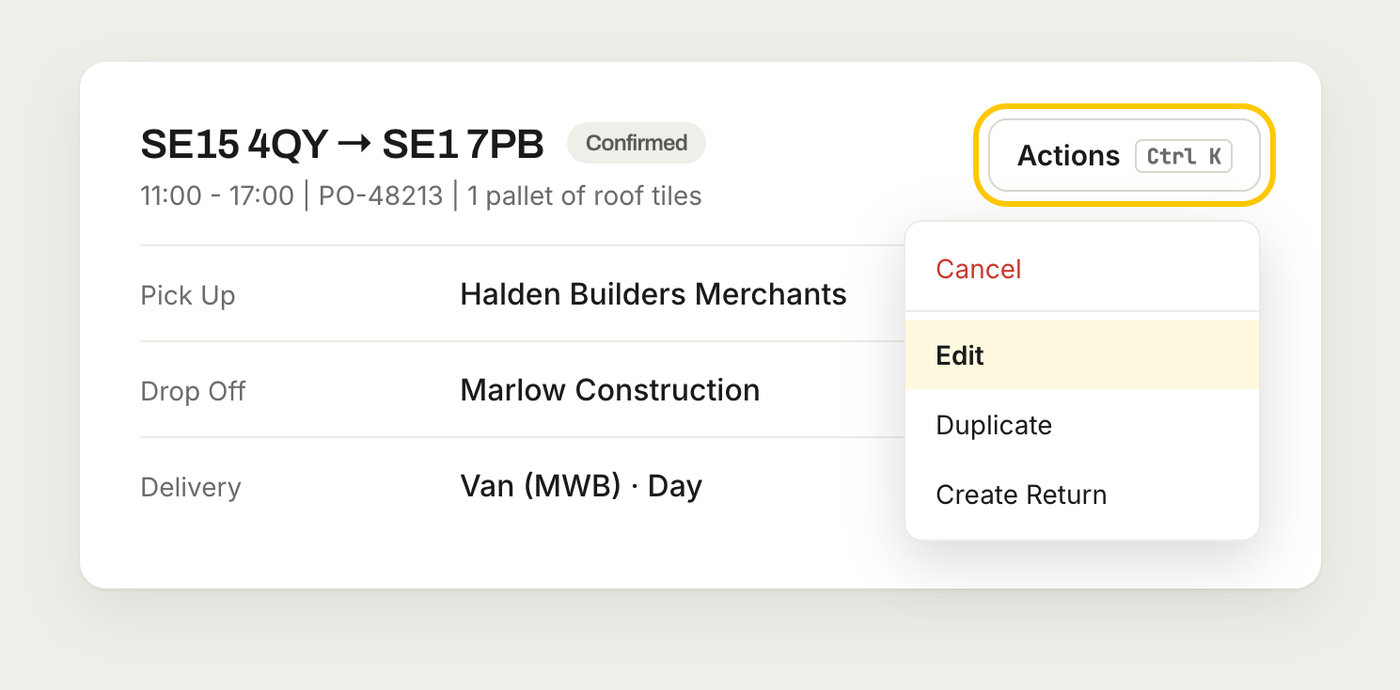
What you can change depends on how far the order has got:
- Before we confirm it: anything.
- Once it's confirmed: contacts, driver instructions and booking information, such as the PO number. Addresses, items and delivery details can't be changed.
- Once a driver is assigned: it can no longer be edited in the app. Chat with us and we'll change it.
Need a different date or time? Before the order is confirmed you can change the date yourself with Edit. After that, chat with us and we'll move it.
Cancel a booking
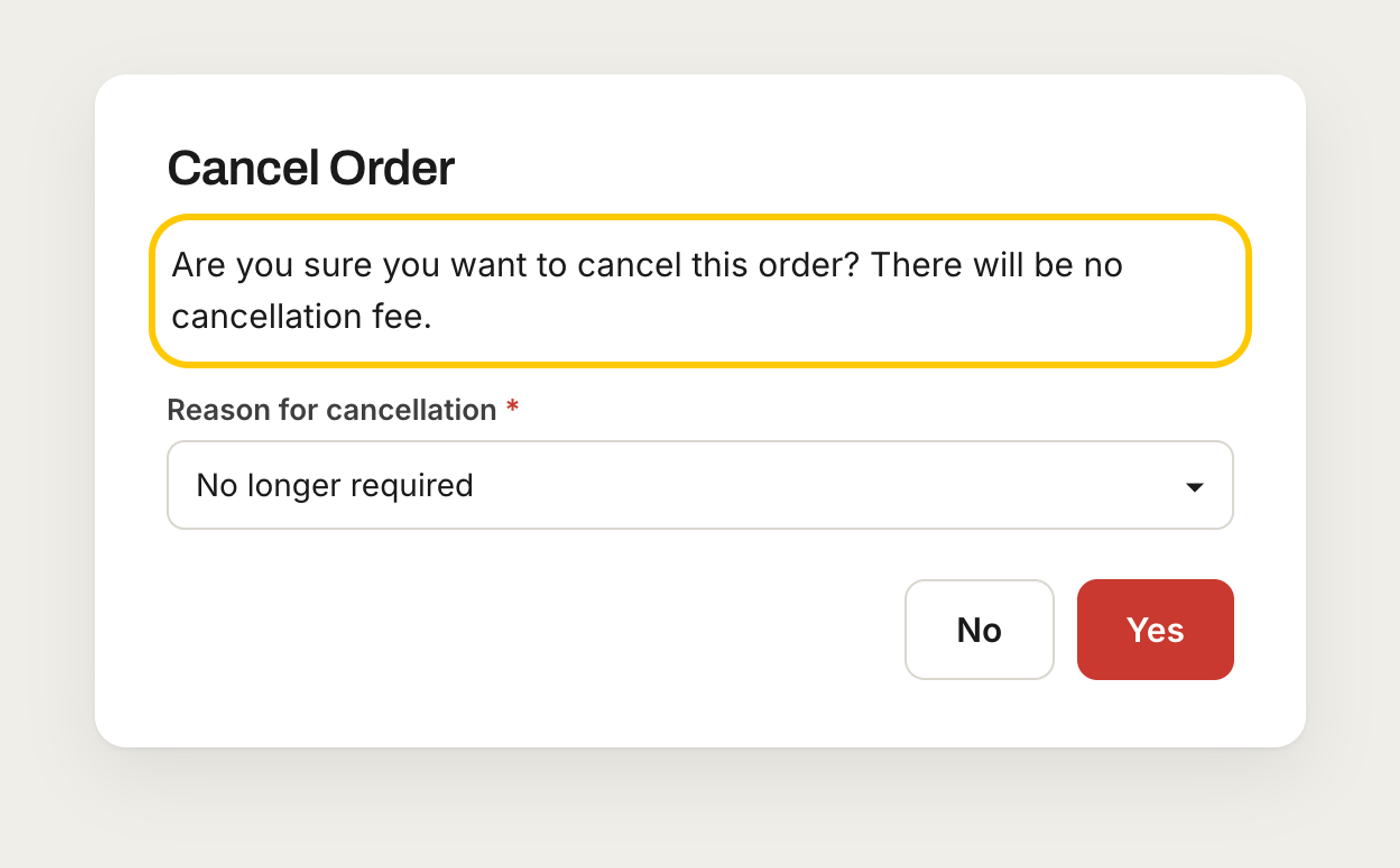
Choose Cancel from the actions menu and pick a reason. You can cancel any time before the goods are collected.
A £5 cancellation fee applies if the delivery is for today and you booked it more than 15 minutes ago. Otherwise there's no fee. The cancel screen tells you which before you confirm.
Other options
- Duplicate opens a new order with the same addresses and delivery details for you to check and book. Add a new PO, as it isn't copied.
- Create Return opens a collection from the drop-off back to you, for A to B orders.